Research
Find niches, breakout channels, trending videos, and content opportunities before you create.
Research what to make, write scripts that sound like you, create original audio and video assets, and turn long videos into short clips with one subscription built for YouTube creators.
Move from content research to production and repurposing without paying for a separate tool at every step.
Find niches, breakout channels, trending videos, and content opportunities before you create.
Write scripts in your style and generate music, sound effects, voiceovers, ideas, and thumbnails.
Turn long-form videos into short clips and get more publishable content from every recording.
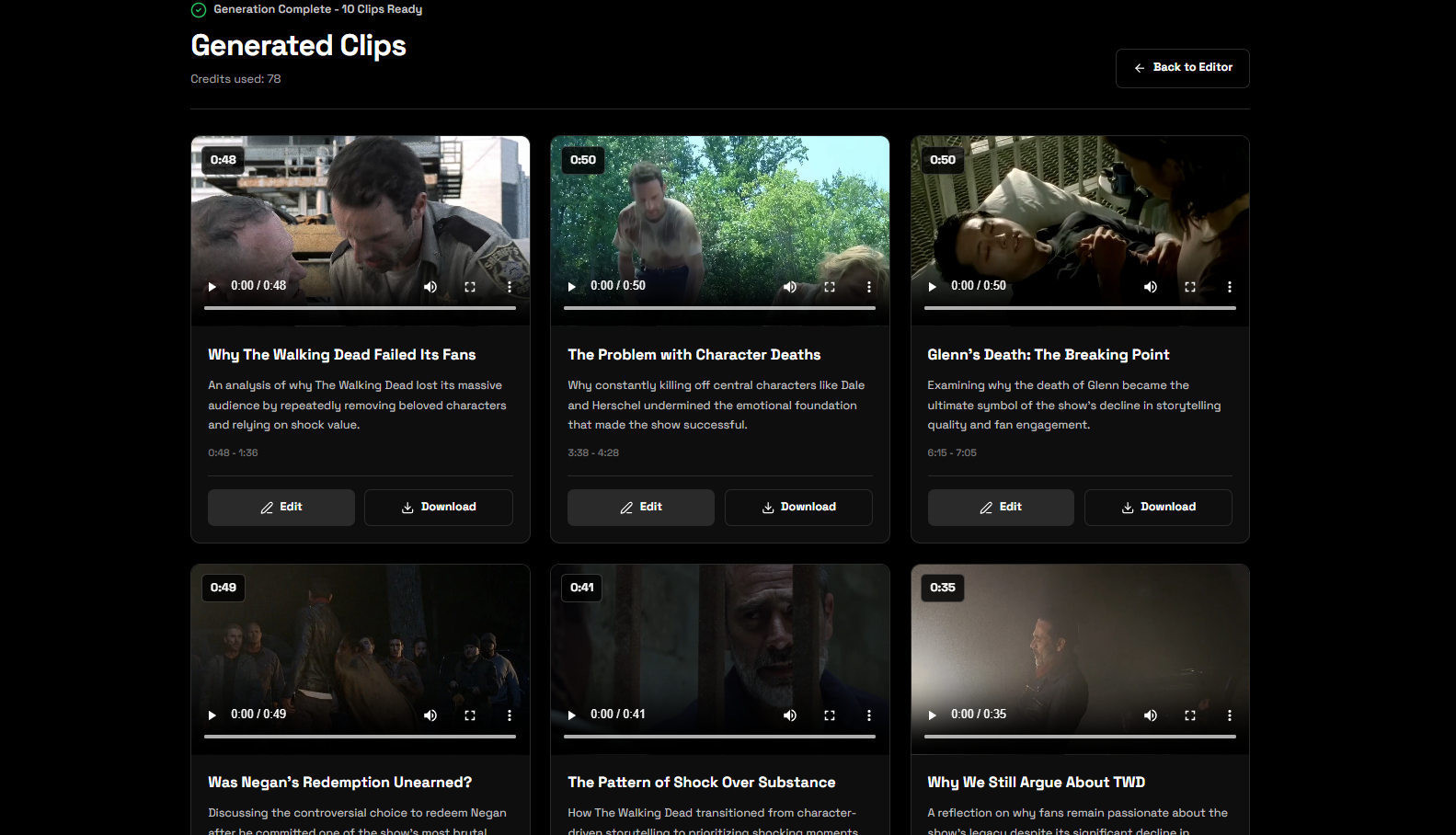
Turn podcasts, interviews, tutorials, and other long-form videos into focused clips for YouTube Shorts and social media without searching through the entire recording yourself.
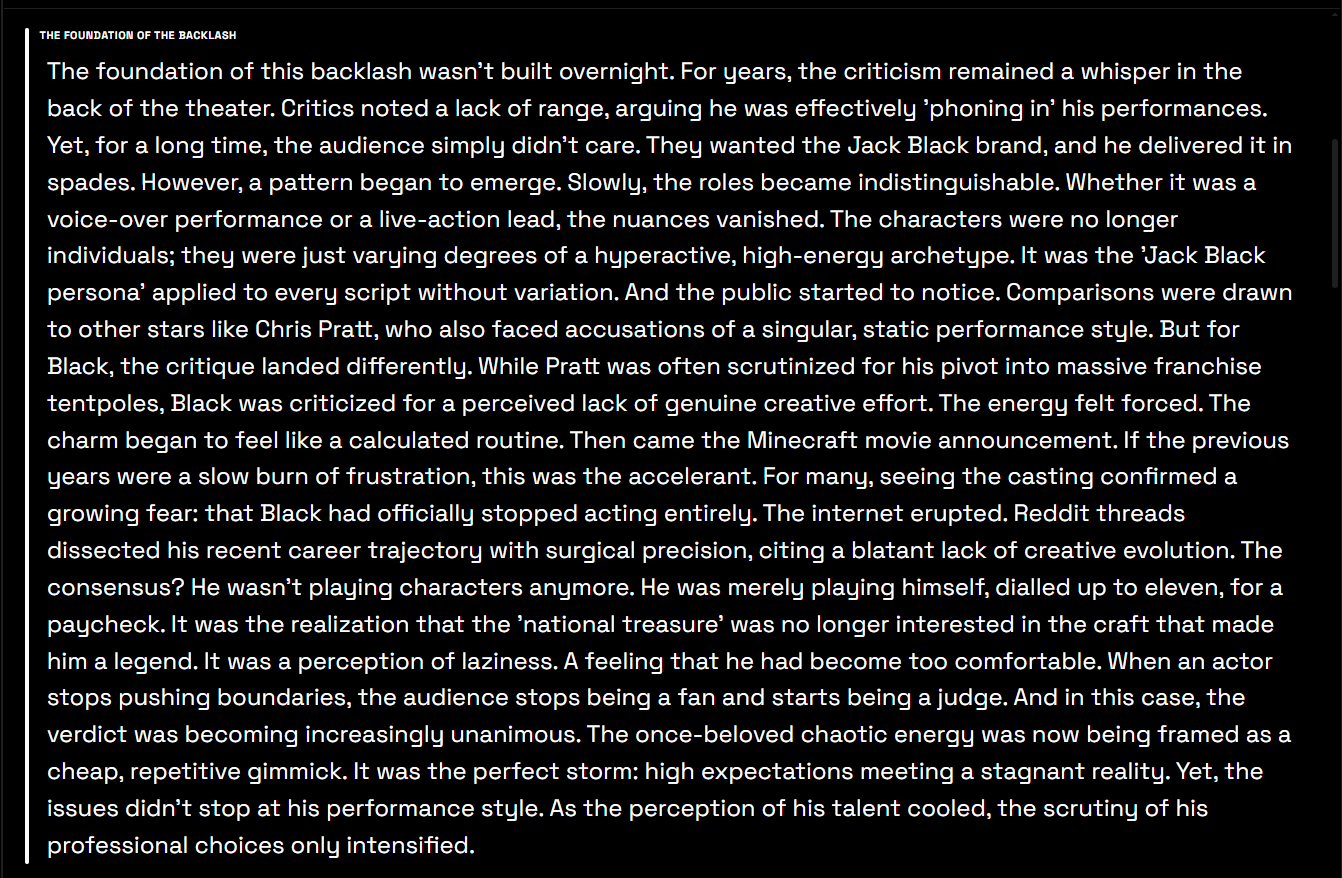
Generate researched scripts, modify drafts, and save custom writing styles so your videos sound specific, natural, and on-brand instead of generic.

Create audio assets for your videos in the same creator workspace, including background music, sound effects, and voice options.
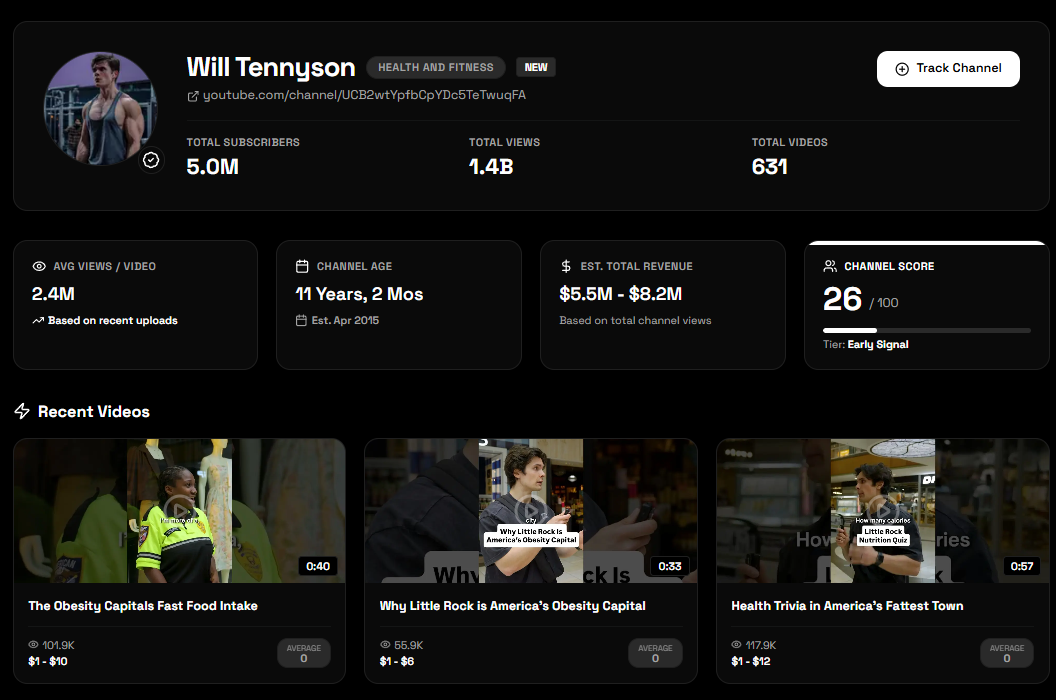
Research trending videos, breakout channels, estimated revenue, and channel momentum so you can choose better content opportunities.
CreatubeAI connects research, writing, audio, visuals, and content repurposing for creators with different channel formats.
Research topics, develop video ideas, write structured scripts, and repurpose finished videos into short clips.
Find useful moments in long conversations and turn episodes into shorter videos for continued distribution.
Combine scripts, voiceovers, custom music, sound effects, and thumbnails in one connected creator workflow.
Use niche and channel signals to choose stronger topics before spending time recording and editing.
Answers about using CreatubeAI across your YouTube research and production workflow.
CreatubeAI includes tools for AI video clipping, YouTube script writing, creator style matching, video ideas, music, sound effects, voiceovers, thumbnails, and YouTube niche research.
Yes. Upload a long-form video or audio file, choose the number and target length of clips, and give the AI instructions about the moments you want it to find. You can preview, edit, and download the resulting video clips.
Yes. You can save custom script styles or analyze a YouTube video URL to build a style profile based on tone, pacing, structure, and hook patterns.
CreatubeAI can generate creator audio including music, sound effects, text-to-speech narration, and saved voice options for use in your video workflow.
The niche finder helps you research trending videos, breakout channels, views, scores, estimated revenue signals, and content patterns across different YouTube niches.
CreatubeAI offers Basic and Premium monthly plans. Basic is designed for consistent creators, while Premium provides higher usage limits for heavier production workflows.
subscription for clipping, scripts, audio, and research
core creator workflows in one place
creators
Research your next idea, create the assets your video needs, and repurpose every upload with one creator subscription.
Get Started